Release Notes – Version v1.0.115
Last updated: June 25, 2025
This week’s release is all about security, trust, and smoother onboarding. From new login options to official certification — Autonomy is leveling up for teams and enterprises alike. 🔒✨
🏅 We’re SOC 2 Compliant!
We’re proud to share that Autonomy is now SOC 2 certified - a key milestone in our commitment to enterprise-grade security, data handling, and operational integrity. As our customer base is growing, we wanted to pursue this milestone to give our users even more confidence in how we handle their data.
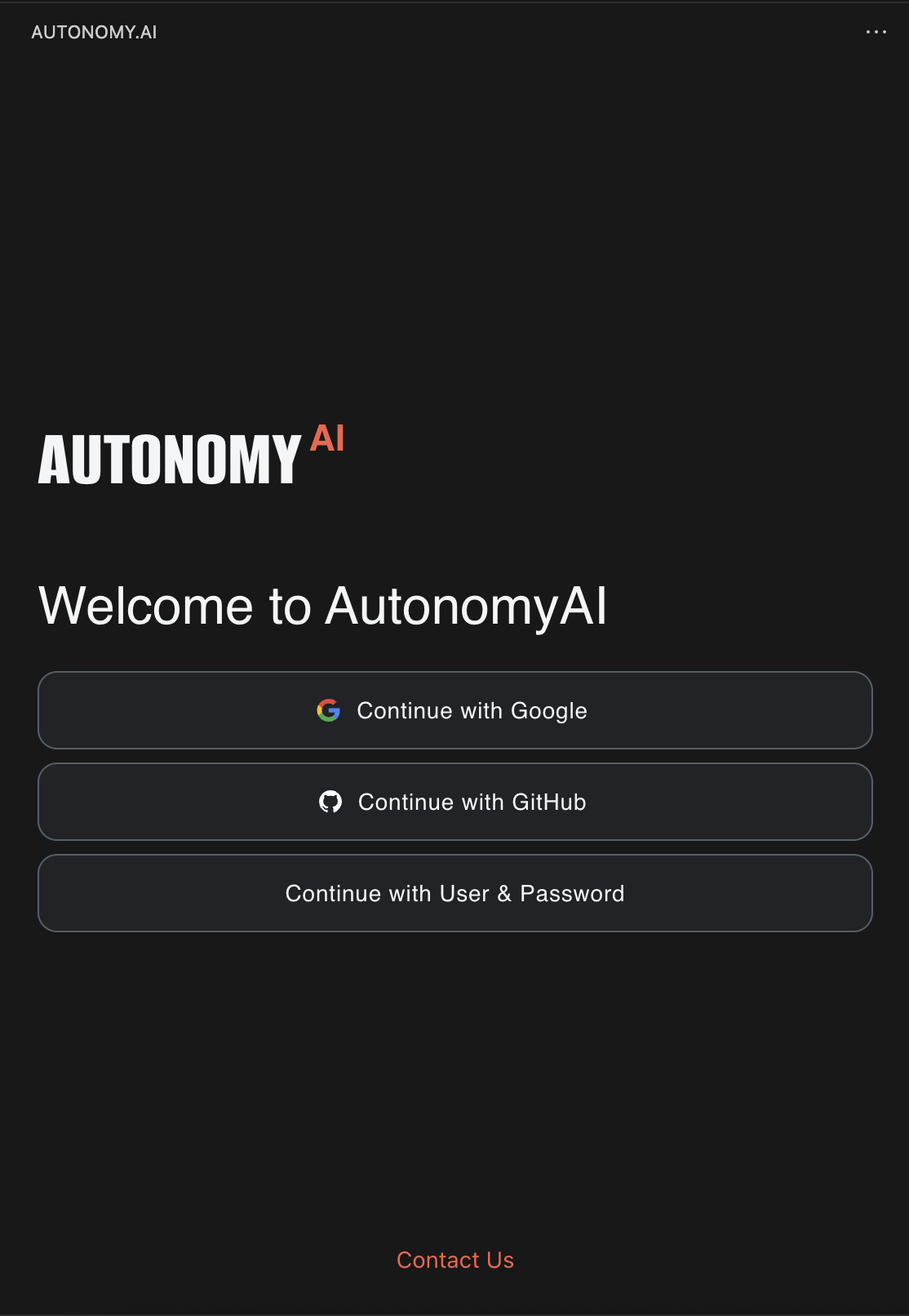
🔐 New Login Experience - Now with SSO Support
We’re upgrading our login system to support enterprise-friendly, secure authentication.
Instead of using personal tokens, you’ll now log in using:
✅ Google SSO
✅ GitHub SSO
📨 Or your email & password (for those who prefer it) We’ve sent temporary passwords via email to all existing users who may want to use this option.
This change improves:
Security & compliance - aligning with industry best practices
Ease of use - no more managing personal tokens
After updating to this version, you’ll be logged out and prompted to log back in with one of the new options. Be sure to use the same email that was originally associated with your personal token.
Don’t worry — all your project data will remain intact.
📘 Want more details? Check out our New Login FAQ Page.
💬 Having trouble logging in? Reach out anytime — we’re here to help.
🚨 P.S: After updating, please restart the Autonomy extension to apply the changes.
Click "Disable" → "Enable" in the Extensions tab or reload VS Code.
If you don’t see the new options to login just click on "…" → "Logout" in the Extensions tab.
Thanks for using Autonomy — more improvements coming very soon! 🚀