Run Fei in Your Browser - No Local IDE Needed
Last updated: August 18, 2025
Want to create or update UI components without installing anything on your machine?
With GitHub Codespaces and Fei, you can open your project in the browser and start working right away. Perfect for designers, PMs, and anyone contributing to the UI.
No local installation, no coding tools - just your GitHub access and a browser.
Prerequisites
You must have a user in Github and access to the repository you would like to work on.
1. Start Your Codespace
Go to your github repository
Choose the “<> Code” tab
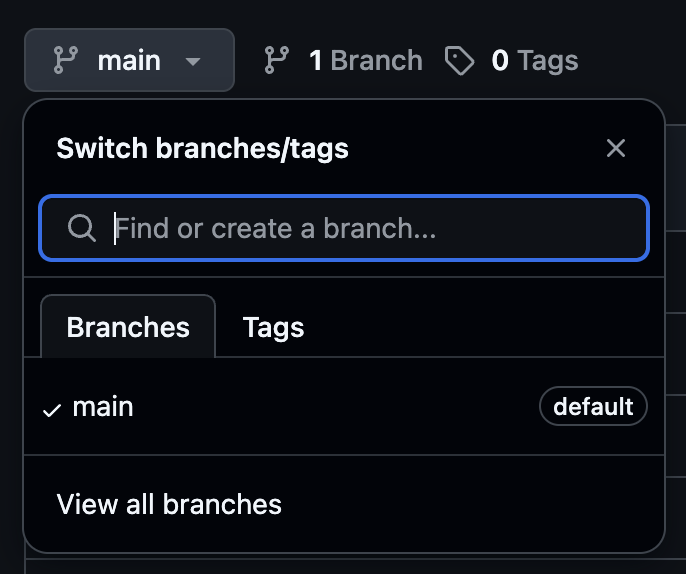
Optionally choose a specific branch that you would like to work on, or use “main”
Click on the green “<> Code” button, and choose the “Codespaces” tab
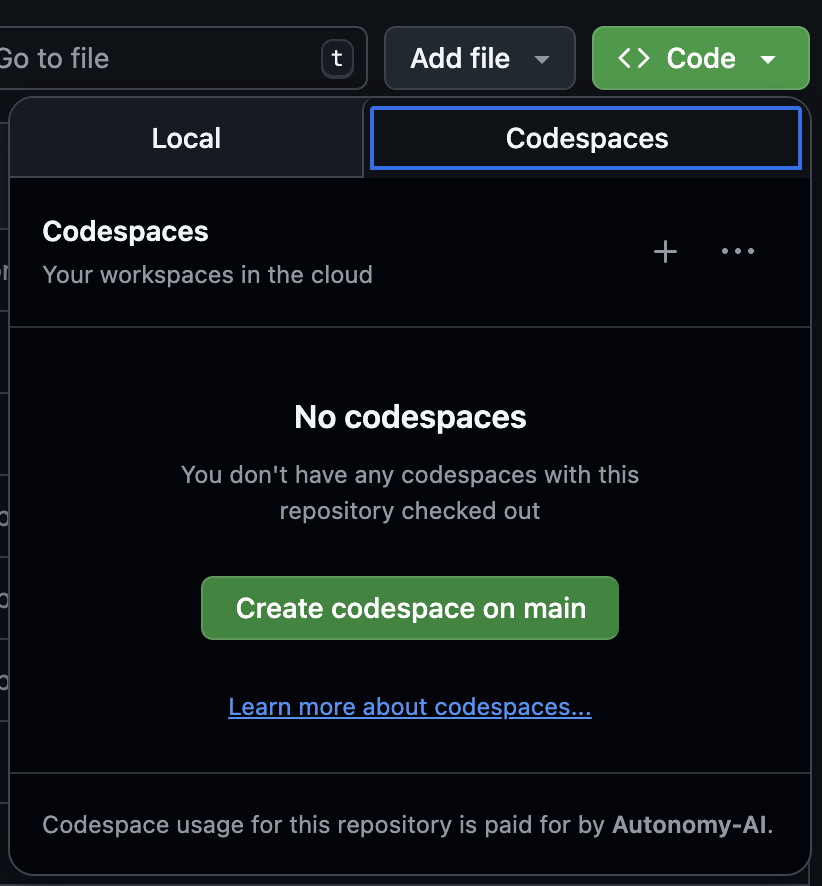
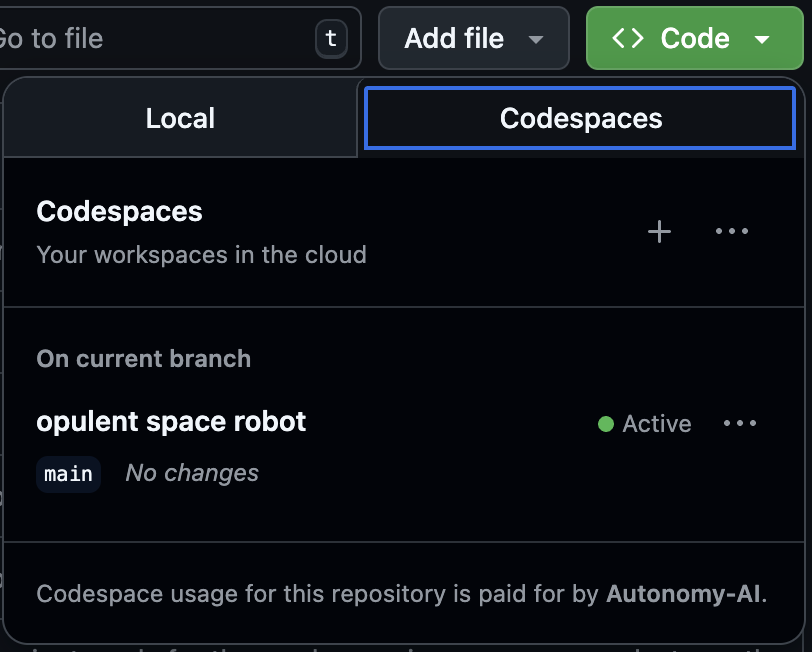
Click the “Create codespace on X” button to create a new one OR Choose one of the already created codespaces to get back to a session you were working on.
After creating a codespace a unique url is generated for it. You can use that URL to get back to the codespace and continue the same session directly. Don’t worry if you don’t have the URL - You can always go back to your codespace from the list.
2. Download the Autonomy AI extension
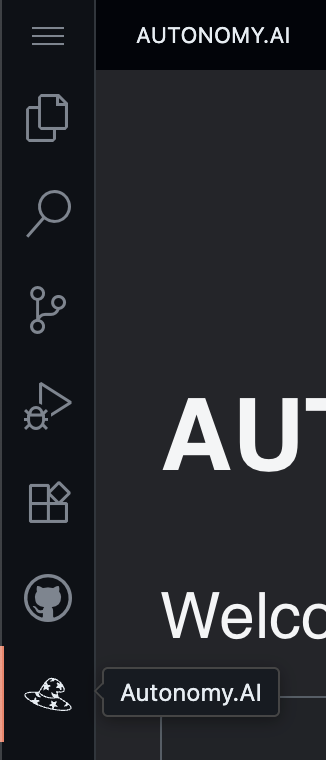
Once your codespace is open, please look for Fei's hat icon on the left. If you see it, you are all set to start using Fei.
If you don’t see Fei's hat, you’d have to install the Autonomy extension:
Choose the Extension icon on the left

Type “Autonomy” in the search bar, and click on the “Install” of the Autonomy.AI extension
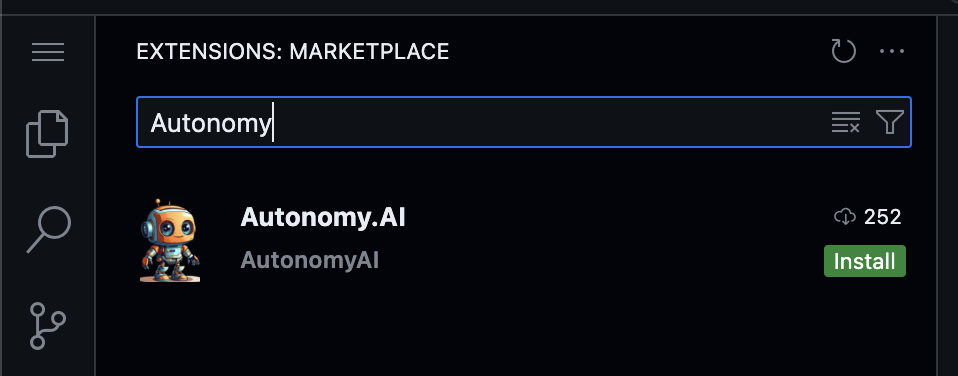
After installing, make sure you see Fei’s hat icon on the left - That’s it!
Please follow these two next guides to make sure you get everything you need from Fei: