Release Notes - Version1.0.275
Last updated: October 28, 2025
This week, Fei is tapping into your frontend energy - one button, one pixel at a time.
🎨 Beta Launch - Visual Vibe Coding (VVC)
UI feedback shouldn't require digging through layers, explaining in Slack, or writing a ticket that says "can we make this a little more elegant?"
With Visual Vibe Coding, design review is easy. You can now just point, click, and vibe - with teammates or by yourself.
Fei’s new Beta feature lets you:
Open your Preview screen
Click the orange Vibe Mode button (bottom-left)
Select up to 5 elements in the rendered preview
Hit Enter, describe the change (visual or stylistic), and submit
Fei will apply the change, and you’ll see it appear live in the Preview - no guesswork, no digging through styled-components.
💡 Bonus Tip: When multiple elements overlap, Fei highlights the top one first. Keep your cursor still to cycle deeper, then click to lock in your pick.
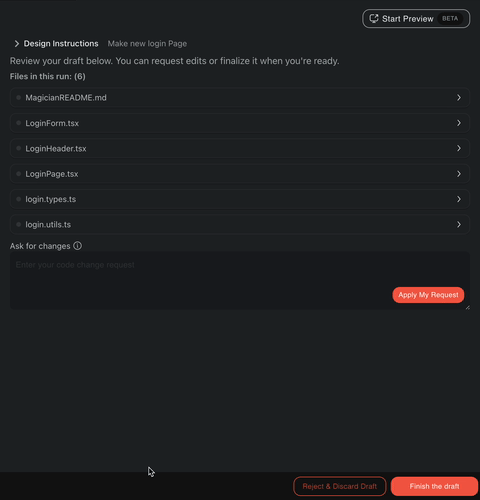
It makes quick UI tweaks, polish passes, and visual feedback way easier - especially for product, design, and fast-moving teams.
Let us know how it feels - your feedback will shape the next iteration.
🚨 P.S: After updating, please restart the Autonomy extension to apply the changes.
Click "Disable" → "Enable" in the Extensions tab or reload VS Code.
Thanks for vibing with Fei - we’re just getting started. 🧙♀🎛